Use the Dosage Calculator
This dosage calculator is a practical mg/kg calculator for converting weight‑based dosing into per‑dose and daily totals. Enter your mg per kg value, patient weight, and number of doses per day to calculate the exact dose in mg, mL, or tablets.
Calculate your mg/kg dose
Educational tool, not medical advice. Check this tool’s method and limitations before interpreting a result. Talk to a qualified healthcare professional before making decisions about medication, diet, exercise, or treatment. See our Terms of Use.
Your rating helps improve Dosage Calculator — mg/kg Dose Calculator. We store only an anonymized vote (no personal data).
How to Use Dosage Calculator — mg/kg Dose Calculator
Step 1: Enter patient weight
Type the patient weight in kg or lb. Choose Metric (kg) or US/Imperial (lb) — the dose calculator converts automatically.
Step 2: Select dosing mode
Choose mg/kg per dose (each administration) or mg/kg per day (total daily amount divided by doses per day).
Step 3: Enter the mg/kg value
Type the mg per kg dosing guideline from your reference. Optionally add maximum per‑dose and daily caps, liquid concentration (mg/mL), or tablet strength.
Step 4: Calculate the dose
Tap Calculate to see per‑dose mg, total daily mg, and practical mL or tablet amounts with rounding.
Step 5: Review the dosing schedule
Set a start time to generate evenly spaced dosing times across 24 hours for the day.
Key Features
- Per‑kg per‑dose and per‑day dosing with mg/kg calculator
- US/Metric weight with quick unit swap
- Max per‑dose and max daily dose caps
- Liquid concentration (mg/mL) and tablet strength support
- Rounded mL or half‑tablet suggestions
- Auto‑generated daily dosing schedule
Understanding Your Dose Calculator Results
How the mg/kg Dosage Formula Works
This dose calculator uses a straightforward formula. In mg/kg per dose mode: per‑dose mg = weight (kg) × mg/kg value. In mg/kg per day mode: daily mg = weight (kg) × mg/kg/day value, then per‑dose mg = daily total ÷ doses per day. Optional caps limit the per‑dose and/or daily amount to safe maximums.
Interpreting mg per kg Results
Medication dosing varies by drug, indication, age, and clinical status. Package inserts list typical mg/kg ranges (often a low–high window) plus maximum daily doses. When you supply a liquid concentration (mg/mL), the dosage calculator converts the per‑dose mg into milliliters. With tablet strength (mg/tablet), it estimates whole or half tablets. Always compare results with the official prescribing information and consider patient‑specific factors.
Assumptions & Limitations
This dosing calculator does not select a drug or recommend a dose. It only translates a mg/kg value you provide into practical per‑dose and per‑day amounts. It assumes the entered values are appropriate for the patient. For renally cleared medications, estimate kidney function first. When in doubt, consult a pharmacist or clinician and the current medication label.
Complete Guide: How to Use a Dosage Calculator
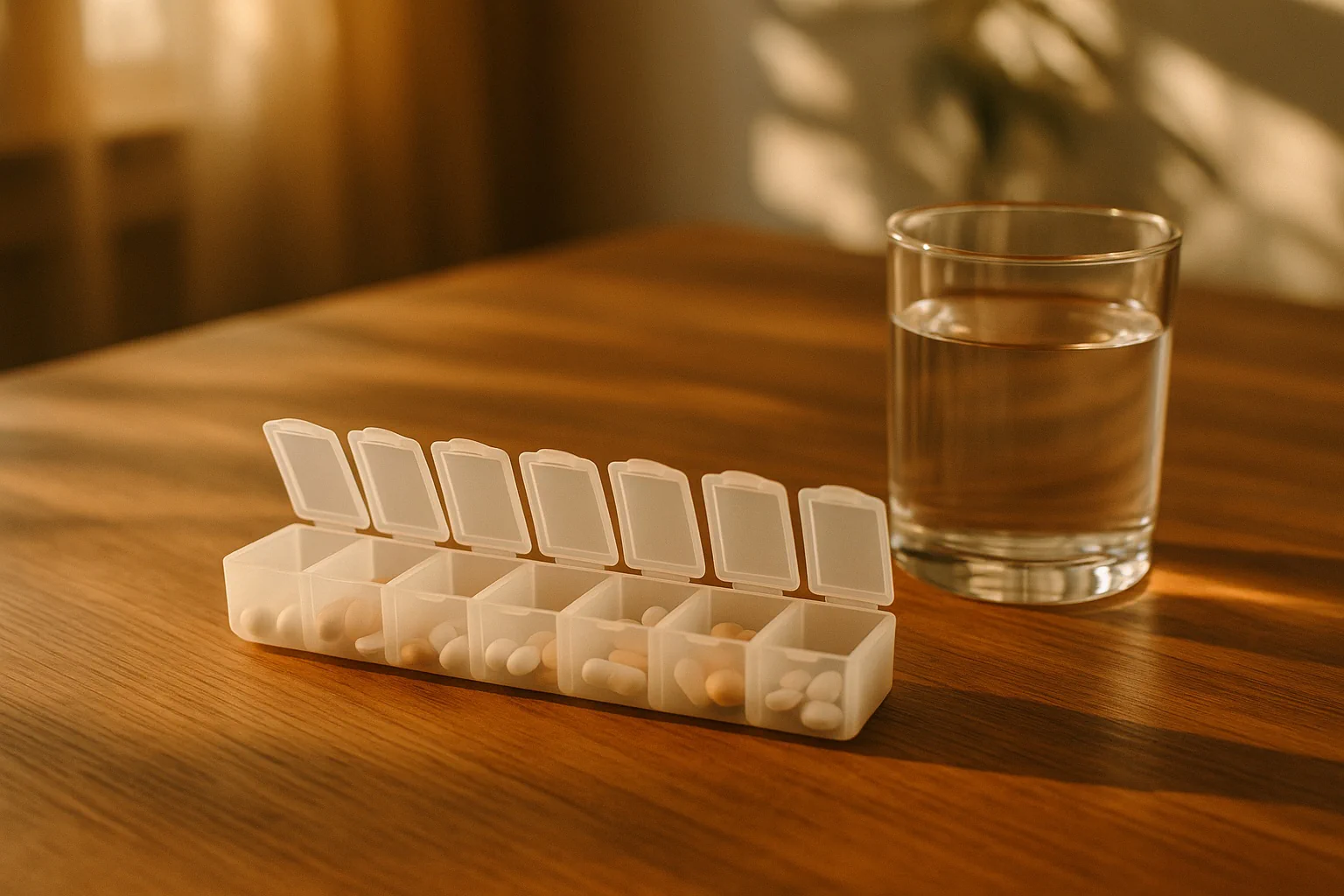
Free dosage calculator to convert mg/kg into per-dose and daily totals. Calculate mg per kg, get mL or tablet amounts, and generate a dosing schedule.
On this page
What Is a Dosage Calculator and What Does It Solve
A dosage calculator (also called a dose calculator) converts weight‑based medication guidelines into practical per‑dose and daily amounts. Real‑world prescribing instructions are often stated as a mg/kg range — for example, "10–15 mg/kg per dose" or "30 mg/kg per day in divided doses" — plus maximum caps. Turning that guidance into an exact number of milligrams, milliliters, or tablets for a specific patient weight requires careful arithmetic. Our dosage calculator automates this translation so you can focus on clinical decision‑making rather than manual math.
This tool does not select a drug or recommend a dose. Instead, it helps you apply a mg per kg value you already have — from a package insert, clinical guideline, or prescriber — to an individual patient. If you need body‑surface‑area dosing (mg/m²), try the BSA calculator first, then apply the label's guidance.
How the mg/kg Calculator Works
Enter a patient weight in kilograms (or pounds — the mg/kg calculator converts automatically), select whether your guideline is stated as mg/kg per dose or mg/kg per day, then set the number of doses per day. The dose calculator multiplies weight by the mg/kg value to compute either per‑dose milligrams or the daily total. Optional safety caps let you limit the result to a maximum per‑dose amount and/or a maximum daily total — essential for pediatric and weight‑based dosing.
If you add a liquid concentration (mg/mL), the dosing calculator converts per‑dose milligrams into milliliters and rounds to a sensible increment such as 0.1 mL. If you add a tablet strength (mg/tablet), it estimates tablets per dose using half‑ or quarter‑tablet rounding. The summary always shows both the exact calculated value and the rounded practical amount.
mg/kg per Dose vs mg/kg per Day — Which Mode to Use
Prescribing references use two common formats. With mg/kg per dose, each administration is calculated directly: multiply weight (kg) by the mg/kg value to get the per‑dose milligrams. With mg/kg per day (also written as mg/kg/day), first compute the total daily milligrams, then divide by the number of doses per day. The total daily amount is the same; only the per‑dose amount changes with dosing frequency.
Regardless of format, always compare against official maximums. In pediatric care especially, a label may specify a high‑end daily cap even when the mg/kg calculation would exceed it. Our dosage calculator accepts both a per‑dose maximum and a daily maximum and clearly indicates when a cap reduces the calculated number.
Converting Doses: mL and Tablets per Dose
Liquid medicines list a concentration such as 160 mg/5 mL or 100 mg/mL. Entering the concentration lets the calculator convert a milligram dose into an easily measured volume. If you're reconstituting a powdered vial and need to determine the resulting mg/mL, our medication concentration calculator handles that step with powder displacement correction. You can select a rounding increment (for example, 0.1 mL or 0.5 mL) to match your measuring device. For solid oral dosage forms, enter a tablet strength (e.g., 200 mg/tablet). The calculator displays the exact calculated count and a practical suggestion rounded to half or quarter tablets when appropriate.
If both a concentration and a tablet strength are entered, the tool shows both conversions so you can compare. For infants and small children, volumes are often clearer than fragments of tablets. For adults, tablet counts may be more convenient. Use clinical judgment and the product's label to decide which form is appropriate.
Scheduling Doses Across the Day
Adherence improves when dosing times are predictable and easy to remember. After calculation, pick a start time and the tool will evenly space the remaining administrations across 24 hours. If a drug has a specific interval (e.g., every 6 hours), choose the corresponding number of doses per day to match that interval. Consider meals, sleep, and school or work schedules when setting the start time.
For drugs with short half‑lives or narrow therapeutic windows, consistent spacing can be especially important. To explore how a medication's half‑life shapes timing, try our drug half‑life calculator. For opioids and pain management, you can also model conversions using theopioid conversion calculator ormorphine equivalent calculator. When a medication is administered intravenously, the IV drip rate calculator converts volume and time into drops per minute for manual drip counting. ADHD stimulants add a second wrinkle, because the number on the bottle counts salt or prodrug weight rather than active drug — lisdexamfetamine yields only 29.5% d-amphetamine — so use the stimulant conversion calculator when switching between methylphenidate and amphetamine products.
Dose Adjustments: Renal, Hepatic, and Age Factors
Many medications require dose adjustments in kidney or liver impairment. This calculator does not perform those adjustments automatically. Estimate kidney function (e.g., eGFR or creatinine clearance) and then consult the product label to determine a revised dose or interval. Our eGFR calculator can help quantify renal function before you apply dose reductions. For adult weight‑based dosing, body composition can affect drug handling; when needed, calculate ideal or adjusted body weight first and use that value for mg/kg.
Pediatric dosing is often weight‑based with strict caps. If you need a pediatric‑focused workflow, thepediatric dose calculator provides a child‑friendly experience and reminders about formulation and measuring devices. For high‑variability biologics or chemotherapy, dosing may scale by body surface area; use theBSA calculator first, then apply mg/m² per protocol. When switching between corticosteroid molecules, a dexamethasone to prednisone conversion calculator ensures equipotent dosing before you calculate volumes.
Common Dosing Pitfalls and How to Avoid Them
The most frequent cause of dosing errors is a unit mismatch. Double‑check that weight is in kilograms when entering mg/kg values. Confirm the liquid concentration's units (mg/mL versus mg/5 mL) and normalize as needed. Beware decimal placement: 1.0 mL is ten times 0.1 mL. When the calculator's cap reduces a calculated value, confirm you are referencing the correct maximums for the patient's age and indication. Weekly injectables bring their own schedule rules on top of the arithmetic — our Ozempic dosage calculator maps the semaglutide titration ladder and converts mg to U‑100 syringe units for compounded vials.
For insulin or titrated therapies where frequent adjustments are expected, consider using disease‑specific tools like the insulin calculator for a tailored approach. When you need a quick sanity check on weight‑based dosing, a general mg to mL dose calculator can help confirm liquid conversions.
Worked Examples: mg/kg Dose Calculations
The following examples are illustrative only. They are not clinical recommendations. Always consult a current, authoritative source such as a package insert or a trusted clinical database.
Example A — mg/kg per dose: Suppose a label suggests 10 mg/kg per dose given twice daily, maximum 400 mg per dose, maximum 1,200 mg per day. For a 25‑kg child: per dose mg = 25 × 10 = 250 mg; daily mg = 250 × 2 = 500 mg. Caps are not hit. If the liquid is 100 mg/mL, per dose volume is 2.5 mL; rounded to 0.1 mL, that's 2.5 mL.
Example B — mg/kg per day: A guideline states 30 mg/kg per day in three divided doses, maximum 1,000 mg/day. For a 50‑kg adult: daily mg = 50 × 30 = 1,500 mg. The daily cap reduces this to 1,000 mg/day. Per dose = 1,000 / 3 ≈ 333 mg. With 200 mg tablets, the exact is 1.67 tablets per dose; rounded to half‑tablets, 1.5 tablets (300 mg) or 2 tablets (400 mg) depending on clinical judgment and labeling.
Example C — checking intervals: If a drug must be given every six hours, choose four doses per day and set the start time to a practical anchor such as 06:00, then follow the schedule. When the interval must be exact, avoid ad hoc "wake‑hour" spacing and keep the 24‑hour split.
Related Dose Calculators and Tools
- Pediatric Dose Calculator — child‑friendly workflow and reminders.
- eGFR Calculator — quantify renal function before dose adjustments.
- BSA Calculator — for mg/m² dosing protocols.
- Drug Half‑Life Calculator — understand timing and accumulation.
- Opioid Conversion Calculator — switch safely between agents.
- Insulin Calculator — adjust dose planning for diabetes care.
Browse all tools on the calculators index or explore more in theClinical & Medications category.
Using the Dosage Calculator Step by Step
1) Select units and enter the patient's weight. If you know pounds, choose US/Imperial and the tool converts to kilograms internally. 2) Pick the dosing mode (mg/kg per dose or per day) and set how many times a day the medicine is given. 3) Enter the mg/kg value from your reference. 4) Add optional caps if your source states a maximum per dose and a maximum per day. 5) If you have a liquid, enter mg/mL to get mL per dose; if you have tablets, enter mg/tablet to see the tablet count per dose. 6) Tap Calculate and review the result and schedule.
The result cards summarize capped per‑dose and daily values in milligrams. If you entered a concentration or tablet strength, you will also see practical equivalents. Each administration is listed in the schedule with a time and the per‑dose milligrams. You can copy the mobile summary to share or note for personal use.
Rounding Rules for Dose Calculations
Rounding should make a dose easier to measure without meaningfully changing exposure. For liquids, a 0.1 mL step is appropriate when using oral syringes with 0.1 mL markings. For thicker suspensions or home use with larger syringes, 0.2–0.5 mL may be a better choice. For tablets, half‑tablet rounding is common when the product is scored; quarter‑tablets should be used only when labeling or professional guidance supports it and the tablet can be split accurately.
Always confirm that the formulation you have matches the reference (for example, immediate‑release vs extended‑release). A dose intended for once‑daily extended‑release tablets may be unsafe if split into multiple doses or if crushed. Consult the package insert or a trusted database for formulation‑specific cautions.
Choosing the Right Measuring Device
For liquid medicines, oral syringes provide the most reliable measurements. Household spoons vary widely in volume and can lead to under‑ or overdosing. Use a device that matches the rounding you selected. For example, if the calculator displays 2.4 mL per dose and you chose 0.1 mL rounding, provide a 5 mL oral syringe with 0.1 mL markings. Many pharmacies can supply appropriate syringes with clear instructions.
Adjusted, Ideal, and Dosing Body Weight
Some medications specify dosing by ideal body weight (IBW) or adjusted body weight (AdjBW), particularly in obesity where drug distribution differs. If your reference states IBW or AdjBW, compute that weight first and then enter it here. See theAdjusted Body Weight andIdeal Body Weight calculators.
Dosing Quality and Safety Checklist
- Weight verified in kilograms (kg), not pounds.
- Correct mg/kg value taken from a current, authoritative source.
- Per‑dose and per‑day caps checked and applied when applicable.
- Liquid concentration confirmed (mg/mL vs mg/5 mL) and rounded to a device‑appropriate step.
- Tablet strength, scoring, and ability to split verified per labeling.
- Formulation (IR vs ER) confirmed; schedule matches required interval.
- Renal/hepatic considerations reviewed; adjustments applied where needed.
- Potential interactions reviewed; patient counseling provided.
Units, Abbreviations, and Decimals in Dosing
Stick to SI units: kilograms (kg), milligrams (mg), milliliters (mL). Avoid ambiguous abbreviations such as "U" (units) that can be misread; write "units" in full if using insulin. Use leading zeros for values below one (0.5 mL, not .5 mL) and avoid trailing zeros when unnecessary (2 mg, not 2.0 mg). The calculator accepts commas or periods as decimal separators and normalizes input safely.
More Dosage Calculator Examples
Example D — concentration normalization: A bottle lists 160 mg/5 mL. Normalize to 32 mg/mL and enter 32 under concentration. If the dose per administration is 240 mg, the volume is 240 / 32 = 7.5 mL. With 0.5 mL rounding, that remains 7.5 mL.
Example E — cap interaction: A reference says 15 mg/kg/day divided twice daily, max 1,000 mg/day, max 600 mg/dose. For a 90‑kg adult, daily mg = 90 × 15 = 1,350 mg, reduced to 1,000 mg/day by the daily cap. Per dose = 1,000 / 2 = 500 mg, also under the per‑dose cap of 600 mg. If the tablet is 250 mg, the exact is 2 tablets per dose.
Example F — tablets and rounding: A label calls for 12 mg/kg per dose every eight hours (three times daily), with 200 mg tablets that can be split. For a 42‑kg patient, per dose mg = 42 × 12 = 504 mg. With half‑tablet rounding, 2.5 tablets (500 mg) is practical and within typical tolerance.
References and Further Reading
For current drug information, rely on manufacturer labeling and trusted, non‑commercial references. Many countries host official online label libraries. In the United States, you can search DailyMed for package inserts and updates.
Dosing Scenarios and Decision Patterns
Analgesics and antipyretics: OTC products for pain and fever are often dosed by weight with clear daily caps. The calculator helps translate mg/kg into mL or tablets, but final choices depend on formulation and patient‑specific factors (age, comorbidities, and concurrent medicines). When labeling provides a child dosing chart, follow the chart first and use the tool for transparency and double‑checking.
Antibiotics: Many oral antibiotics provide ranges (e.g., 20–40 mg/kg/day). Choose a value within the range according to severity and source guidance, then enter it as mg/kg per day. Apply daily caps if present. Remember that dosing intervals matter for pharmacodynamics; ensure the number of daily doses matches the intended interval.
Time zones and adherence: When crossing time zones, even spacing is disrupted. Consider a temporary bridging schedule; then resume the original spacing at the destination's clock time. For sleep/wake rhythm planning, the jet lag calculator can suggest timing strategies that make adherence easier.
Missed doses: Many labels advise taking a missed dose as soon as remembered unless it is close to the next dose; never double up unless explicitly instructed. Because the calculator spreads doses evenly across 24 hours, you can quickly see remaining times and decide—per label guidance—how to proceed.
Communication: For caregivers, provide plain‑language instructions and avoid ambiguous abbreviations. Include both the per‑dose amount (mg and mL or tablets) and the exact times. A printed or electronic dosing schedule reduces errors and improves confidence.
Educational use only. Not a substitute for professional medical advice. Always consult the latest manufacturer labeling and standard references such as the package insert or a trusted clinical database.

Written by Marko Šinko
Co-Founder & Lead Developer
Computer scientist and developer working on calculator implementation, data handling, and accessible interfaces. His authorship describes development work, not independent medical review.
View full profileFrequently Asked Questions
What is a dosage calculator and how does it work?
A dosage calculator converts a mg/kg dosing guideline into practical per‑dose and total daily amounts for a specific patient weight. Enter the mg per kg value, weight, and doses per day, and the calculator returns the exact mg per dose, daily total, and optional mL or tablet counts with a dosing schedule.
How do I calculate mg per kg dose for a patient?
Multiply the patient weight in kilograms by the mg/kg value from the prescribing guideline. For example, a 25 kg child at 10 mg/kg per dose equals 250 mg per dose. Our mg/kg calculator does this automatically and also applies safety caps and converts to mL or tablets.
What is the difference between mg/kg per dose and mg/kg per day?
mg/kg per dose means each individual administration equals weight times the mg/kg value. mg/kg per day means the total daily amount equals weight times the mg/kg value, which is then divided by the number of doses per day to get the per‑dose amount.
Can this dose calculator convert mg to mL or tablets?
Yes. Enter a liquid concentration in mg/mL to get milliliters per dose, or a tablet strength in mg/tablet to see whole or half‑tablet suggestions. The calculator shows both the exact value and a rounded practical amount.
Does the dosage calculator apply maximum dose limits?
You can set optional maximum caps for a single dose and the daily total. The calculator applies these caps automatically and shows both the calculated and capped values so you can see when a limit was reached.
How do I convert mg/kg/day into divided doses?
Select mg/kg per day mode, enter the mg/kg/day value, and choose the number of doses per day. The calculator divides the total daily mg by the number of doses to give you the per‑dose amount. For example, 30 mg/kg/day divided into 3 doses equals 10 mg/kg per dose.
Is this dosing calculator a substitute for medical advice?
No. This tool is for educational planning only and does not replace professional judgment. Always confirm dosing with a licensed clinician and the current medication label before administering any medication.
Do you store any personal health data?
No. All calculations run in your browser. We do not store, transmit, or log any input data. You can copy or screenshot results for your own records.
Related Calculators

Adjusted Body Weight Calculator — Dosing Weight (ABW)
Compute ABW for dosing with our adjusted body weight calculator, alongside IBW reference. Essential for accurate medication dosing, especially in obesity.

Alcohol Calculator: Drinks, Calories, Cost and BAC
Use our alcohol calculator to track standard drinks, alcohol calories, cost, and estimated BAC. Plan sessions, see time to sober, and make informed choices.

Alcohol Units Calculator UK — Weekly Tracking & Limits
Free alcohol units calculator for UK weekly tracking. Convert drinks to units, check against the 14-unit guideline, and see calories, standard drinks, and more.

BAC Calculator — Estimate Blood Alcohol Level by Drink
Use our BAC calculator to estimate blood alcohol levels from drinks, ABV, weight, sex, and hours. See limit markers, impairment ranges, and time to sober.

Caffeine Calculator: Daily Intake Tracker & Safe Limits
Use our caffeine calculator to total daily milligrams from coffee, tea, energy drinks, and custom doses, then check the running total against the 400 mg limit.
Carboplatin AUC Calculator — Calvert Formula Dosing
Free carboplatin AUC calculator using the Calvert formula to find chemotherapy dose in mg from target AUC, GFR, and Cockcroft-Gault creatinine clearance.